
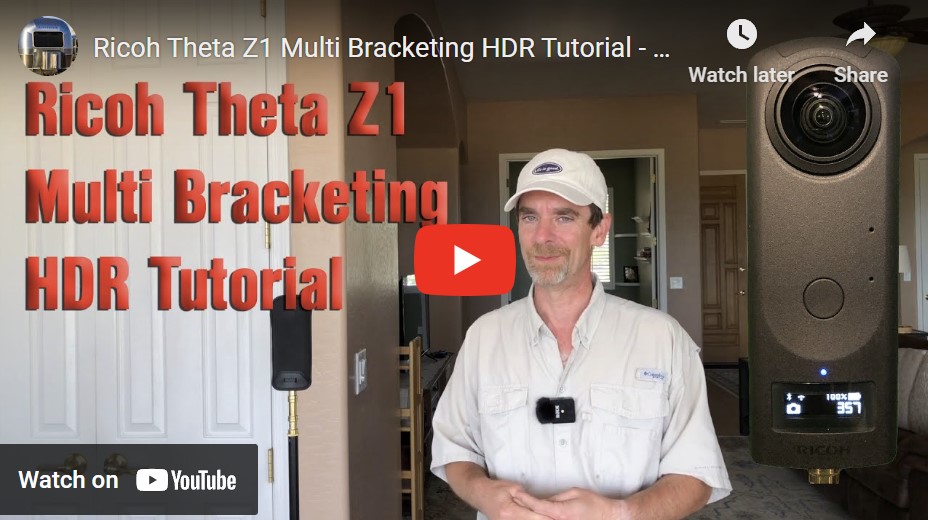
Watch Rich Charpentier break down the process of creating multi-bracketed HDRs – Perfect for CG lighting!
The Ricoh Theta Z1 is swiftly becoming a favorite among 360 camera enthusiasts. Its robust features offer a range of possibilities for photographers eager to explore the realm of HDR panoramic photography. A YouTube tutorial titled “Ricoh Theta Z1 Multi Bracketing HDR Tutorial – Shoot, Offload, HDR, & Stitching” provides a comprehensive walkthrough for those looking to hone their skills with this versatile camera.
check price price on Amazon
Discovering the Power of Multi Bracketing
The tutorial begins by introducing the Multi Bracketing Mode of the Theta Z1. This mode is a game-changer for HDR photography, as it allows photographers to take multiple bracketed shots automatically. The tutorial delves into setting up a 360 Panorama shot, guiding viewers through the camera settings to ensure optimal results.
The Process: From Capture to Stitching
Step 1: Capturing the Scene
The creator emphasizes the importance of choosing the right environment for a 360 Panorama shot. With the Theta Z1, they set up the scene, using the Multi Bracketing Mode to take 5 brackets, ensuring a range of exposures to capture the full dynamic range of the scene.
Step 2: Offloading the Images
Once the brackets are captured, the tutorial shows how to offload the images to a computer. It’s a crucial step to ensure the files are safely transferred and ready for the next phase.
Step 3: Merging Brackets in Lightroom
Adobe Lightroom serves as the backbone for merging the brackets into a single HDR image. The video provides a step-by-step guide on how to import the bracketed images into Lightroom, merge them into an HDR composite, and make preliminary adjustments to prepare the image for stitching.
Step 4: Stitching in PTGui
After the HDR merge, the resulting image is exported to PTGui, a powerful tool for stitching panoramic photos. The tutorial showcases the stitching process, offering tips to achieve a seamless spherical panorama.
Simplifying a Complex Workflow
The creator of the video underscores that while the workflow may seem daunting at first, it’s just the beginning of what can be accomplished with the Theta Z1. They stress that this workflow is a starting point, and encourage viewers to experiment with custom settings to produce high-quality HDR 360-degree panoramas.
Key Takeaways from the Tutorial
- Multi Bracketing Mode: This feature is invaluable for HDR photography, capturing a wide range of exposures.
- Workflow Efficiency: The tutorial highlights a straightforward workflow from shooting to post-processing.
- Lightroom and PTGui: Both programs are essential tools for creating HDR images and stitching them into full panoramas.
Conclusion
For those eager to expand their 360 photography skills, this YouTube tutorial is a treasure trove of information. The Ricoh Theta Z1, with its Multi Bracketing Mode and the workflow outlined in the video, offers photographers a solid foundation for creating breathtaking HDR panoramas. As the creator aptly notes, this tutorial only scratches the surface of the Theta Z1’s capabilities, inviting photographers to dive deeper into the world of high-quality HDR panoramic photography.
 CG Gains
Leave a comment